The problem: messages pile up and manual entry makes mistakes
In sign-up season dozens of messages can arrive a day. Each one has to be read, the branch and group worked out, then an invite code created and sent. With transfers you also have to match the amount and reference to the right trainee. One mistake means a trainee in the wrong group or a payment recorded twice.
1. Invite trainees from a registration message
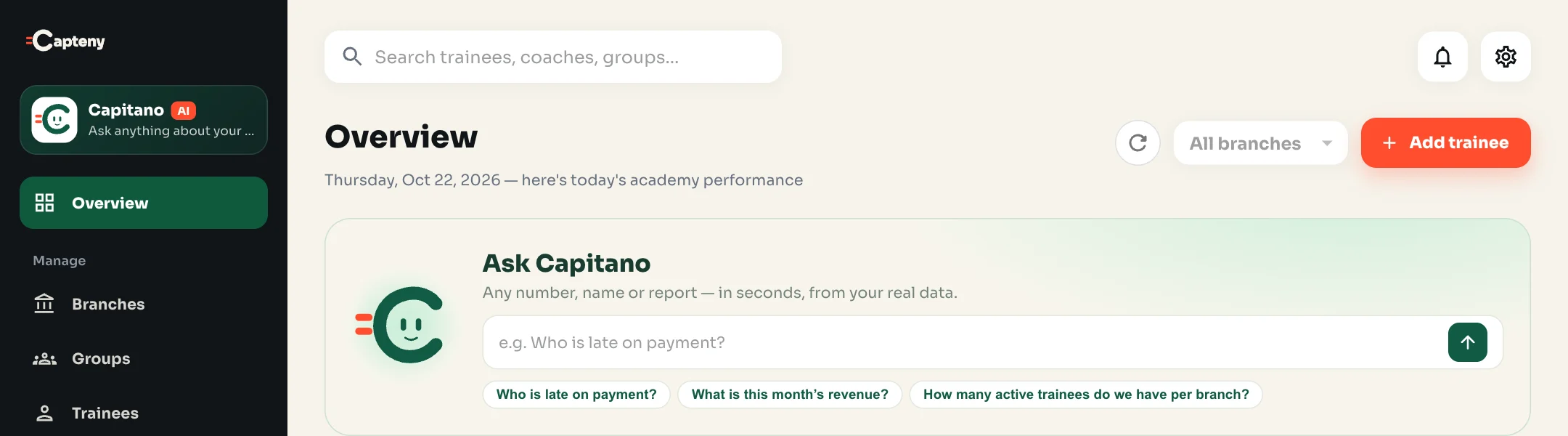
- Paste the parent’s or trainee’s message as it reached you in “Ask”. Capitano tells you it looks like a registration message and offers “Open the form”, or type it straight away: “Add 2 trainees to Football U10”.
- He opens, right in the chat, the same invite form as the Trainees page: branch, group, how long the code is valid and how many trainees can use it.
- If your words name a branch, a group or a number, he fills it in and marks it “Found in your message” or “From your message”.
- Press “Create invite code”: the code shows once for you to copy, with its expiry date and number of uses.
- Send the code to the parent on WhatsApp; they open the Capteny app, tap “Have an invite code?” and register their own details.
2. Import an Excel or CSV file
- Pick “Import a file” and upload a file of up to 5 MB and 2,000 rows. If it has several sheets, choose one.
- Capitano proposes which column in your file maps to which Capteny field, and you can change the mapping.
- Review the rows in a filterable table: ready, needs review, and errors. Edit cells directly or remove a row.
- When the review is complete, invites are created per group, with a message per parent that you open in WhatsApp.
If your data is large or complex, our team moves it from Excel for free within 24 hours.
3. Record an InstaPay payment from the transfer message
- Pick “InstaPay payment” and paste the transfer message.
- Capitano pulls out the amount, date, reference and sender’s name, with the sentence each field came from.
- He suggests the trainee with a pending payment request for the same amount, and warns you if the amount differs from the request.
- On save he approves the pending request, or records a new InstaPay payment with a numbered receipt. A reference that was already recorded is not accepted.
4. Set up your academy step by step, or describe it in one message
If you’re starting on Capteny, tell Capitano “Set up my academy”: he walks you through branches, then groups, plans, coaches and trainee invites, each step the dashboard’s own form in the chat, and it uses none of your questions. Or pick “Describe my academy” and describe it: “Two branches in Maadi and New Cairo, under-10 and under-14 groups, Saturday and Tuesday at 5, monthly 800”. Capitano prepares the branches, groups, times and plans in one draft, asks about anything missing, and you save what you want.
What doesn’t happen automatically?
- Nothing is saved until you press save.
- No WhatsApp messages are sent on your behalf.
- Capitano never goes beyond your permissions: someone who can’t manage payments can’t record one.
- Open drafts show under “Pending drafts” for you and your colleagues, with who saved each one and when.
Common mistakes and how to avoid them
- Accepting the suggested group without checking: always look at the “check it” marker.
- Pasting several transfers in one message: paste each transfer on its own.
- Forgetting to send the code: it doesn’t reach the trainee until you send it, and it shows only once.
See everything Capitano can do.
Want software that does this for you? Capteny is sports academy management software made in Egypt, with pages for each sport such as football academy management software and padel club and academy software.